Overview
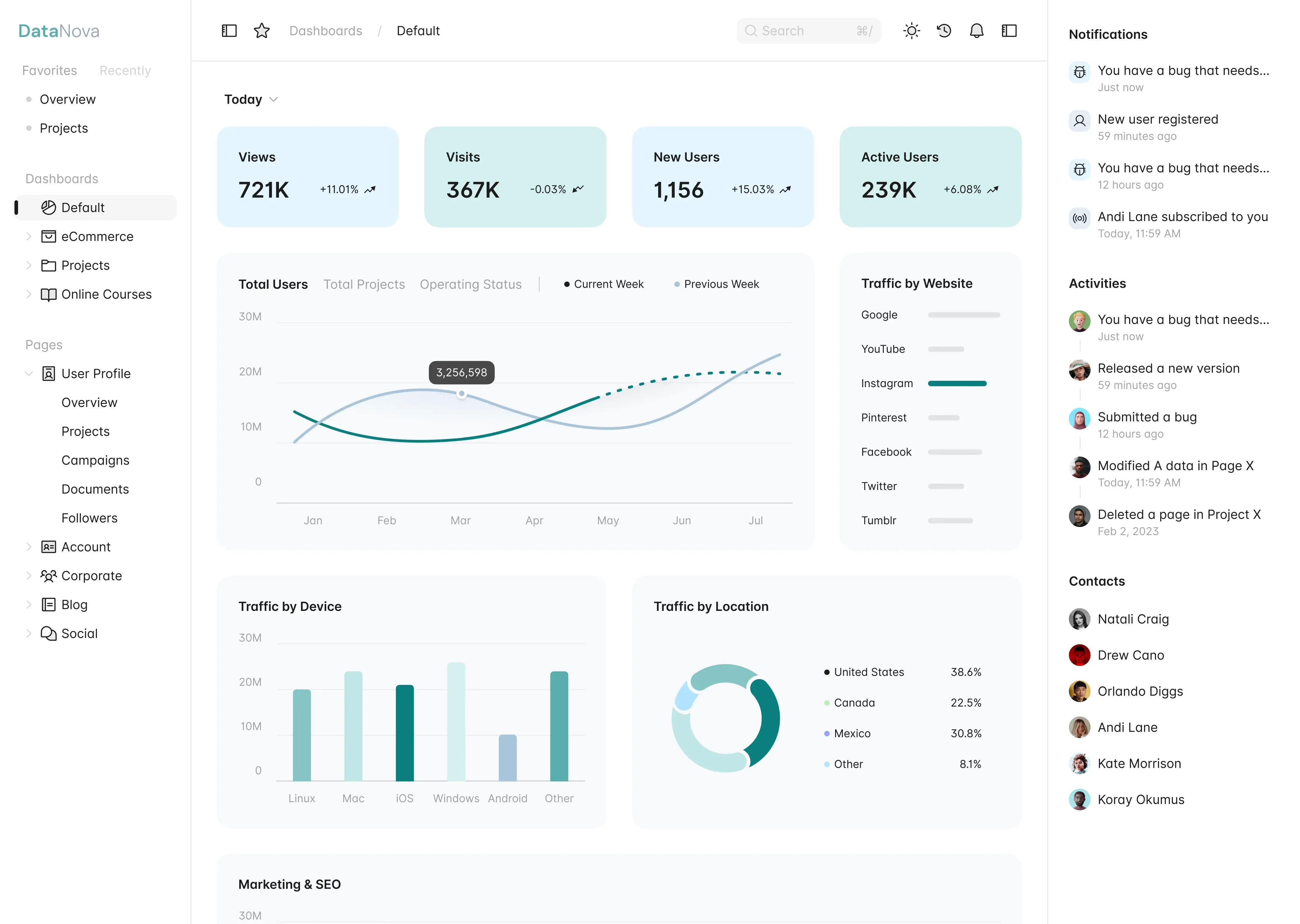
decoderHealth combines your connected health records with local fasting and Check-In history. The app has five main destinations: Dashboard, Metrics, Fasting, Check-In, and Chat. Settings holds your profile, units, health permissions, Buddy, theme, account, and data extraction controls.
Connected health metrics
Weight, steps & activity
Review weight measurements, daily step totals, and recorded exercise. Steps use Health Connect's aggregate on Android to reduce double-counting across sources. Activity can include workout sessions and available calorie records; calorie aggregates are read-only.
Energy intake, nutrients & sleep
Energy displays recorded meals and their calories. Nutrient charts use the fields available in nutrition records, so an absent field is not a measured zero. Sleep shows recorded sessions and stages when a source supplies them.
Water, glucose & cycle
Water and glucose use your preferred units. Cycle shows recorded menstrual data. Use a metric's entry form for supported manual records and inspect history for timing and source context. Fasting and Check-In are separate local trackers.
Dashboard and weight goal
1. Review your daily summary
Dashboard brings current and previous-day records together. Weight is the main goal measure. Your profile supplies the height and other inputs used for the available BMI and energy estimates.
2. Read energy balance in context
Recorded intake minus estimated expenditure forms the day's energy balance. Expenditure prefers available total-energy data and falls back to other supported estimates. An empty food log does not prove zero consumption. See the calculation reference.
3. Explore a metric
Open a metric for its date ranges, chart, and history. Pull to refresh connected data. Manual entry controls appear for supported records; read and write permissions determine what can be connected and written back.
4. Personalize the view
Use Settings to change profile information, preferred units, time zone, or theme. These settings affect presentation and day boundaries; they do not change measurements stored in your health source.
Daily trackers
Fasting timer & history
Choose a target and start a fast. You can adjust an active session, record the end time, and edit completed sessions from Fasting history. Timer phases are reference material rather than measurements of your body's current state.
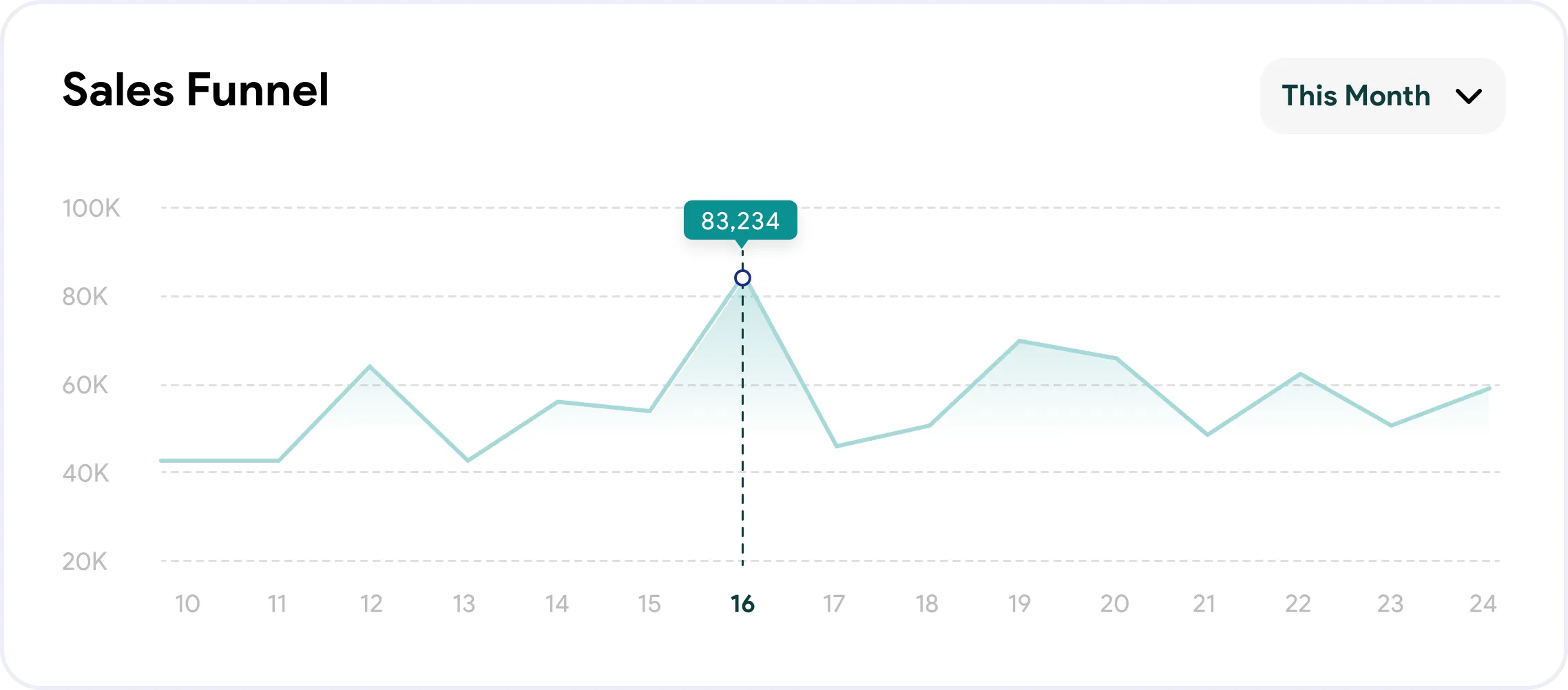
Check-In & your Buddy
Record mood and energy, with optional notes and personal observations. Review saved Check-Ins and their heatmap. Your Buddy uses local recorded data for suggestions and can be selected or imported in Settings.
Local records & extracts
Fasting and Check-Ins stay on the device. They are not recovered by re-reading Health Connect or Apple Health. Extract Data lets you choose supported stored metrics and a trailing-day window, then copy the resulting JSON.
Account & chat
decoderPro chat requires sign-in, an active subscription, and internet access. It uses conversation context and selected health summaries online. Visible conversations sync to the paid account; this is separate from local fasting and Check-In history. Manage plans from Account, and review the subscription guide.